

(Edited Aug 07 2025)
The last and undoubtedly the most crucial part of music production is mastering. It takes a well-mixed piece of music and turns it into a sharp and professional-sounding piece of art. You could say that mastering is like applying the final touch-ups to a painting. If that were the case, though, mixing would serve as the base layer of a painting, from which you could build textures and colors up to a professional-looking, polished piece of art.
That leads me to ask: Can you master a song without any plugins? The answer is yes. Would I recommend it? No.
It can feel a bit overwhelming to choose the best plugins, given the number of options available. Some choices evoke the warm shadows of classic analog gear, while others confer the hottest cutting-edge digital tools—and some tools are powered by AI. Still, no matter what sounds do it for you, make sure the plugins you pick to work with your digital audio workstation (DAW) are part of your sound universe, not some alternate-reality sound universe.
This guide examines the best plugins for mastering, taking into account their characteristics, and serving to help you find the ones that will take your music to a pro level.
—
What Are Mastering Plugins and Why Are They Essential?
Nowadays, music producers largely depend on plugins to generate their desired sounds. Although many tried-and-true techniques still exist, the plugin has emerged as the essential device for contemporary producers. And far from being perceived as the audio device that no one wants to associate with the word “plugin,” the equalizer has remained a dependable and incredibly beneficial tool for quite some time.
Several important reasons make these plugins essential.
- Balance of Frequency: These correct the mix’s uneven aspects, providing a clear and cohesive audio experience.
- Enhancing the Stereo Field: Crystal-clear separations of the auditory components allow them to be received distinctly. This spatial element in and of itself contributes a significant amount of depth and dimension to your mixes.
- Making Things Louder: They use dynamic processing like compression and limiting to make a track sound louder without any degradation of quality.
Plugins utilized for mastering must have the following attributes to be effective:
- Transparency: A quality plugin for mastering does its tasks without imparting any coloration to the sound.
- Control: It is essential to have the ability to adjust the mastering plugin’s parameters in a meaningful way, and a good plugin provides this capability.
- Resolution: The plugin must work effectively at a range of different settings, but especially those that are critical to the mastering process.
- Reliability: The plugin must give consistent results across different sessions and different sounds as long as the same settings are used.
- Compatibility: The plugin’s sound (or the lack of it) must translate across different systems, and a good plugin does this.
- Tonal balance is achieved through EQ.
- Problem frequencies are corrected with EQ.
- Equalizer with dynamic depth for tonal adjustments. Compressed dynamic control.
Gain can be described as the mathematical total of energy taken in at the input and emitted at the output. Its main purpose is to increase signal voltage. When exceeding a certain limit, limiting clamping will occur because it prevents the signal from exceeding a defined amplitude threshold.
Achieving balance is what mastering is all about.
The idea of balance includes all that I have mentioned so far, and I can encapsulate it in just a few words.
This is the basis on which mastering is constructed.
Mastery is using something in just the right way—not too much, not too little—and having balance in your use of it.
Achieving stereophonic imaging for spatial depth in the mix. Select the plugin best suited for your routing needs. Routing is how sound travels through a system. It is the most crucial element to affect if you want to polysensually spatialize your sounds. Consider this when selecting a plugin.
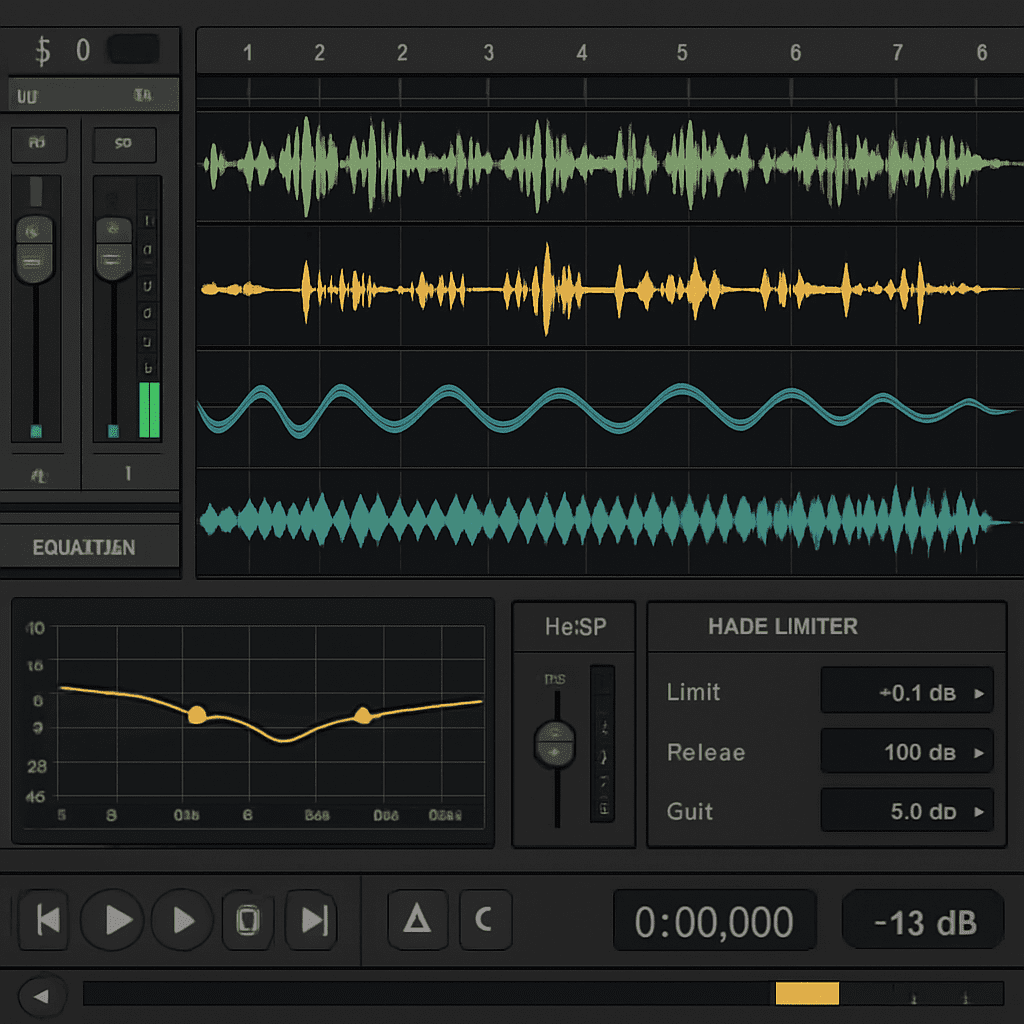
Key Features to Look for in Great Mastering Plugins
When choosing mastering plugins, specific features are crucial for achieving professional quality. These tools should enhance clarity while maintaining the integrity of your audio. Knowing what to look for can streamline your selection process.
One essential feature is versatile equalization (EQ). A good EQ offers precise control over different frequencies, allowing you to shape the tonal balance effectively.
This is key to achieving a well-rounded mix.
Another important aspect is dynamics processing. Plugins with advanced compression and limiting functionalities help maintain consistent dynamics and boost loudnes. These features can prevent distortion while enhancing the track’s impact.
Also, consider plugins with stereo imaging tools. They can broaden the stereo field, enriching the spatial quality of your mix. This can make your tracks sound fuller and more immersive.
Here are key features to prioritize:
- Comprehensive equalization
- Advanced dynamics processing
- Stereo imaging capabilities
- User-friendly interface
- Compatibility with various DAWs
Choosing plugins that meet these criteria will serve both beginners and seasoned professionals. They ensure efficient workflow and high-quality outcomes.
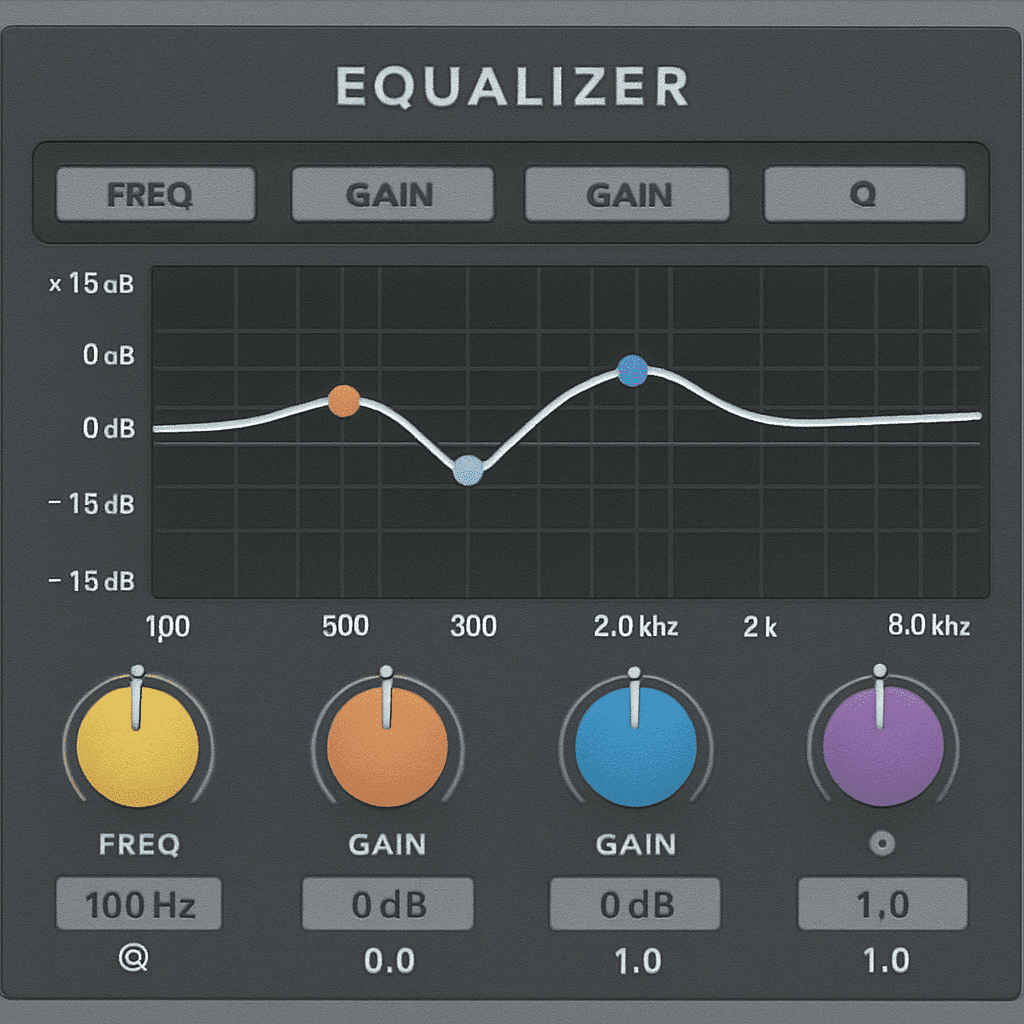
Key Features to Look for in Mastering Plugins
Choosing plugins for mastering takes considerable care and precision, for the plugins need to be just right to carry out a job that is unusually vital in the audio production process. There are many good plugins available, but all sound different and work differently.
When it comes to using tools for mastering, you want ones that will make your mix translate well across all audio systems and sound as if it were meant to be mixed and mastered right from the get-go. There’s many a tale told in studios about mastering sessions gone awry, where the unnecessary use of this or that plugin turned a decent mix into a compromised track.
- Equalization (EQ) That Works: For effective equalization, what you need most is a good EQ, but that’s not really the issue—most DAWs come with at least one good EQ, and there are plenty of quality plugins out there to choose from. If you think a particular mixdown sounds muddy or too thin in places, it can be EQ you’re using too liberally or ineffectively to bridge tonal gaps.
- Advanced Dynamics Processing: Choose plugins that are good for compression and limiting. These keep the dynamic range consistent and can boost the loudness without adding any distortion.
- Stereo Imaging Tools: These enlarge the stereo field, which makes your tracks sound more engrossing (i.e., hedonically desirable) and slightly mellower (i.e., less aggressive).
- Friendly User Interface: A clear and easy-to-understand design allows for a workflow that is many times smoother.
- DAW Compatibility: Check that the plugin performs as you prefer with the software you prefer to use.
When you shine the light on these characteristics, what you receive are plugins that suit the workflows of both novices and seasoned professionals, ensuring all users can accomplish their tasks with unrivaled speed and stamina.
—

The Best Mastering Plugins for Professional Results
The right mastering plugins can take your music and make it more intense, sharper, deeper, and more in-your-face than ever before. And listening to music isn’t just about the experience of the sound; it’s about the experience of the sound as it relates to every other sound that it interacts with. Which is why you should be using these plugins.
Here are some of the most reliable names in the business.
- Ozone by iZotope
iZotope’s Ozone is a complete and potent contemporary mastering suite that works remarkably well and has garnered considerable praise, both for its user-friendly interface and for its considerable capabilities.
Its main components are:
- Equalizers and Dynamics Processors: Make distinct changes to achieve a more polished result.
- Stereophonic Imaging Tools: Spatial characteristics shine.
- Master Assistant: A component utilizing AI that provides personalized launching points for your mastering actions.
Ozone is flexible enough for both novices and pros and has modules like the Exciter, Maximizer, and vintage tools.
- An Exciter that helps you make your mixes more colorful.
- A Maximizer that helps you get your material loud while still sounding good.
- Vintage tools that do all sorts of warm, wonderful things.
And each of these components (modules) is very good indeed.
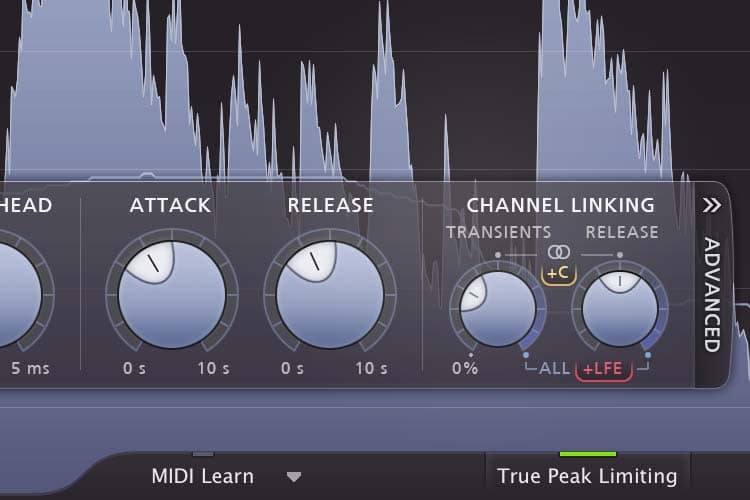
- FabFilter Pro-L
The limiting master FabFilter Pro-L has a high reputation not just for being loud, but for being clear and transparent. Its main claim to fame is that it can take a mix and make it sound as if it’s at a truly competitive level.
But that’s just the tip of the iceberg. Here are some other things you ought to know about this plugin.
- Ensured Loudness: The limiting algorithms do the heavy lifting, and the gain reduction is very hard to hear, even when it’s really, really audible.
- Real-Time Level Display: This is a nice, large readout that shows the loudness levels clearly. It also shows the user what they need to look at to understand loudness.
- Waves Abbey Road TG Mastering Chain
This plug-in is dedicated to that legendary sound of the mastering devices at Abbey Road Studios. It delivers:
- Vintage EQ and Compression: This plug-in imparts truly vintage analog warmth to your sounds, just like the mastering magic at Abbey Road.
- Module Sequencing: Fit the sequence to your requirements.
- Control of Stereo Spread: This plug-in can also take your sounds and spatialize them.
Set it to work on an audio mix, and hold onto your seat. You won’t believe the results.
—
- Newfangled Audio Elevate Mastering Bundle
The Elevate Mastering Bundle is formed by sophisticated limiting and spectral clipping that yield dynamic, well-behaved results.
Its main features include:
- A Filter Bank with 26 Bands: This allows for tonal sculpting to an extraordinary level of detail.
- An Adaptive Limiter: This maximizes loudness while preserving your dynamics.
If you want to plunge into next-gen mastering, this is a perfect starting package.
- Brainworx bx_masterdesk
Simultaneously, bx_masterdesk by Brainworx makes mastering incredibly simple due to its all-in-one design, which allows you to control and manage everything from the very first stage of a mixdown to that last, shiny master.
The most essential features of bx_masterdesk are:
- You obtain thorough control over EQ and dynamics for profoundly effective sound manipulation and maintenance of dynamics.
- There are pre-built settings for different genres that make mastering much easier.
- Sound can be warmed up and made much richer and deeper with saturation and stereo enhancement. An analog saturation effect does this in the subtlest and most musically useful of ways. An analog saturator sits in a way that is far more pleasant to the ears and also makes it far more mix-friendly when talking about a sound that has punch or sounds like it is coming at you.
- It is easy to produce with, given that its interface is very helpful and intuitively functional.
- Mastering the Mix BASSROOM
BASSROOM focuses on the bass frequencies, ensuring that they come through with precision and clarity on any sound system.
Take Charge of the Low End: You have low bass content. You can have it. You can control it. If you want to trickle it in, you must use the right tools. Do not let your bass bleed. Do not over-compress. And always, always remember that low bass is present, even when it is not heard. That means you must manage it well regarding not just content and dynamics but also room acoustics and the basic physics of sound and how it behaves in space.
Here are three simple, straightforward ways to manage low bass in your productions.
- Reference Track Ideas: Consider effective tracks to be outlines.
- You Can Set Target Profiles Of: Make the settings suitable for your requirements.
This plugin works very well for obtaining a powerful and equilibrated low end.
- TDR Kotelnikov
The Kotelnikov TDR is a clear transparent dynamics processing tool.
It has the following key functionalities:
- Processing at High Resolution: For making exact alterations.
- Preservation of Mix Structure: This is what compression does.
- Peak Limiting Options: Control is increased with no artifacts introduced.
It’s a reliable option for mastering engineers who want outcomes that are clear and salable.
- Youlean Loudness Meter
This essential plugin handles the monitoring of loudness.
Among its many functions, you will find the following:
- Measuring the Loudness: Using blended, immediate, and ephemeral metrics.
- Feedback That Is Visual: Allows for the ease of adjustments to be made to levels.
- Simple to Operate: No matter how much or little experience a user has, this ensures the feeling of intuitiveness of the interface.
Youlean Loudness Meter is crucial for achieving not just consistent mixes but also ones that adhere to loudness standards.
Free vs. Paid Mastering Plugins: What’s Right for You?
Making a choice between free plugins and paid plugins comes down to necessity and budget. Free plugins can be powerful and do everything you could want a plugin to do, but they often don’t have the kinds of features that are necessary when you work at an advanced level. Paid plugins, in contrast, almost always have the kinds of capabilities that you’d wish your free plugin had, and they also tend to get updated a lot more frequently.
Think about the basic matters that have to do with you and your existence. When you have a clear understanding of what your innermost values are, it helps both in managing life’s many stressors (which it will certainly do at times) and in making decisions that mostly stay on the right side of the river. After all, if life’s not throwing stuff at you, it’s usually dishing out curveballs. And your reactions to them—the stuff in your life that truly gets your goat—is a pretty good litmus test for determining what really is and isn’t important to you.
What needs to occur for me to experience fulfillment? What conditions have to exist for me to occupy that zone of feeling fulfilled, you know, the zone where everything inside you, from your head to your toes, is just radiating with that “I’m really, really happy and satisfied” kind of feeling?
Tips for Using Mastering Plugins Effectively
Make certain that your listening environment is both well-designed and properly calibrated. You should be not only well-versed in your plugins but also understand the basic principles of mastering. Most importantly, you should have a clear idea of the goals for your project.
- Understand the Characteristics: Focus your attention on comprehending each and every instrument.
- Make Minor Adjustments: Minor tweaks can have a big impact on the outcomes.
- Utilizing Benchmark Songs: Evaluate your mix in relation to high-quality, industry-standard mixes.
- These techniques, when mastered, will guarantee consistent results at a level that could only be considered professional.
Conclusion: Choosing the Right Mastering Plugin for Your Sound
The correct mastering plugins can take your music to new heights, giving it an added professionalism and polish that any track needs to even be considered for a place in the public’s ears. What was once a seemingly rough concept is now a track that someone could easily envision transforming into a live performance.
But which plugins? That mainly depends on you and your direction. So spend a little time and play around with the different options; they’re pretty easy to use once you get the hang of it, and they’re not cost prohibitive if you get them in the right bundles. Or you can just use some of the trial versions that are available.

Leave a Reply